120,000+
backgrounds removed using our AI
1000+
creators who trust our tool
95%
satisfaction rate from our users
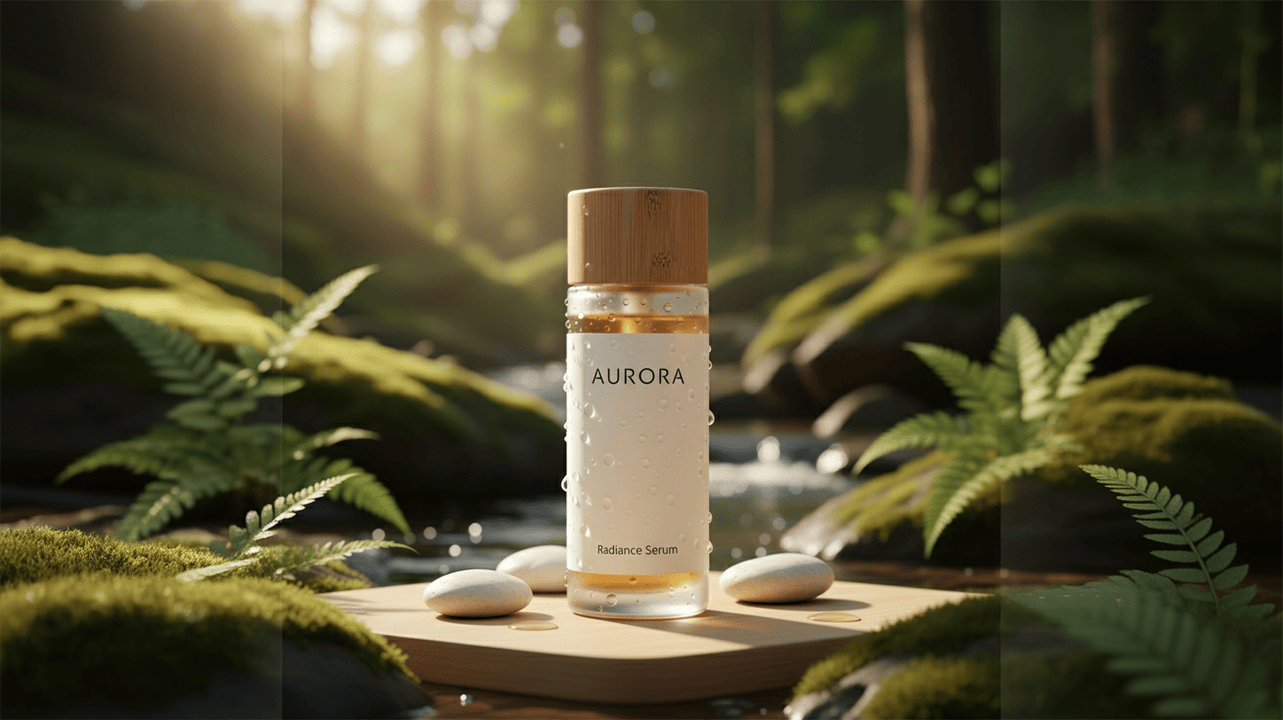
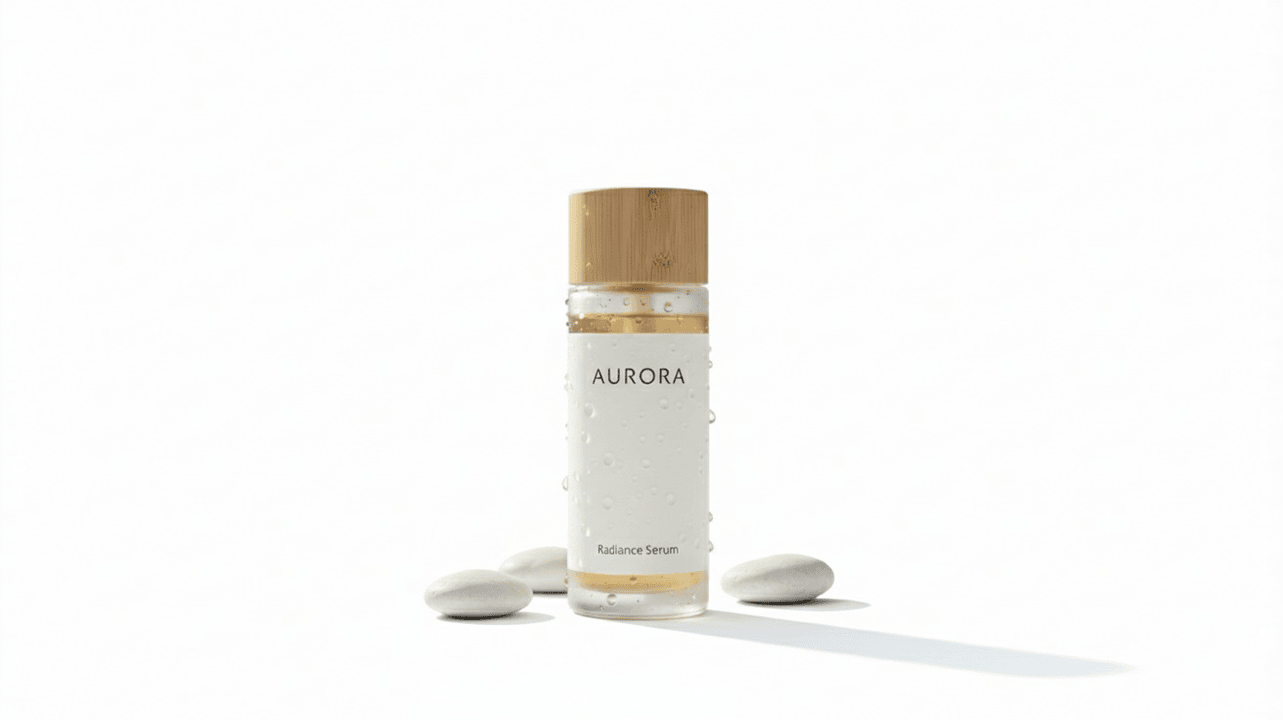



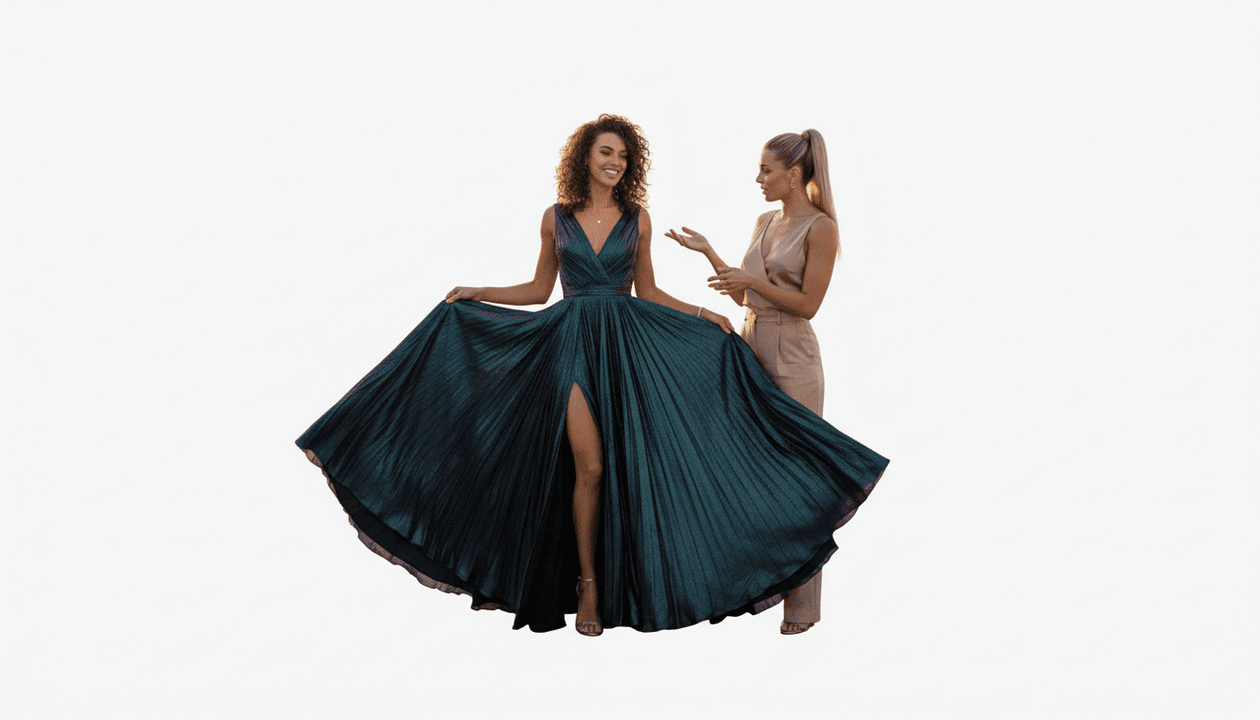


Remove background from photos with text prompt
120,000+
backgrounds removed using our AI
1000+
creators who trust our tool
95%
satisfaction rate from our users
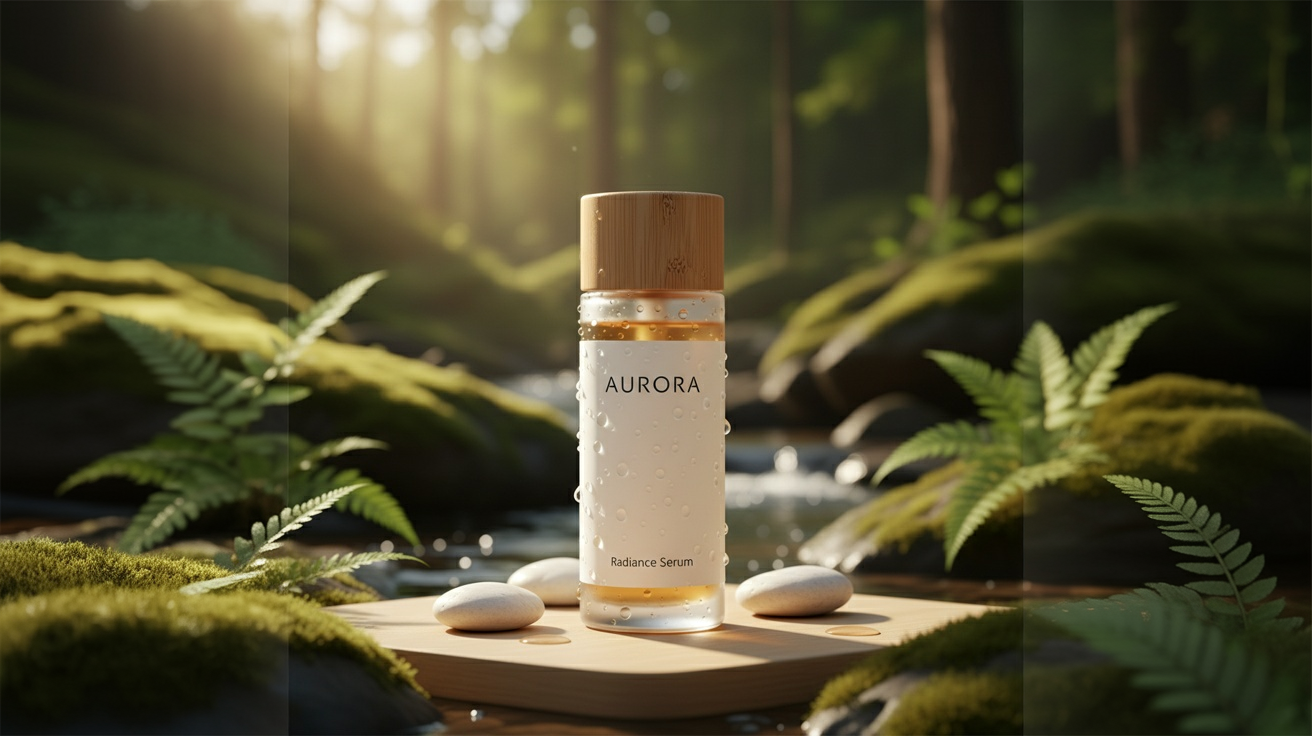
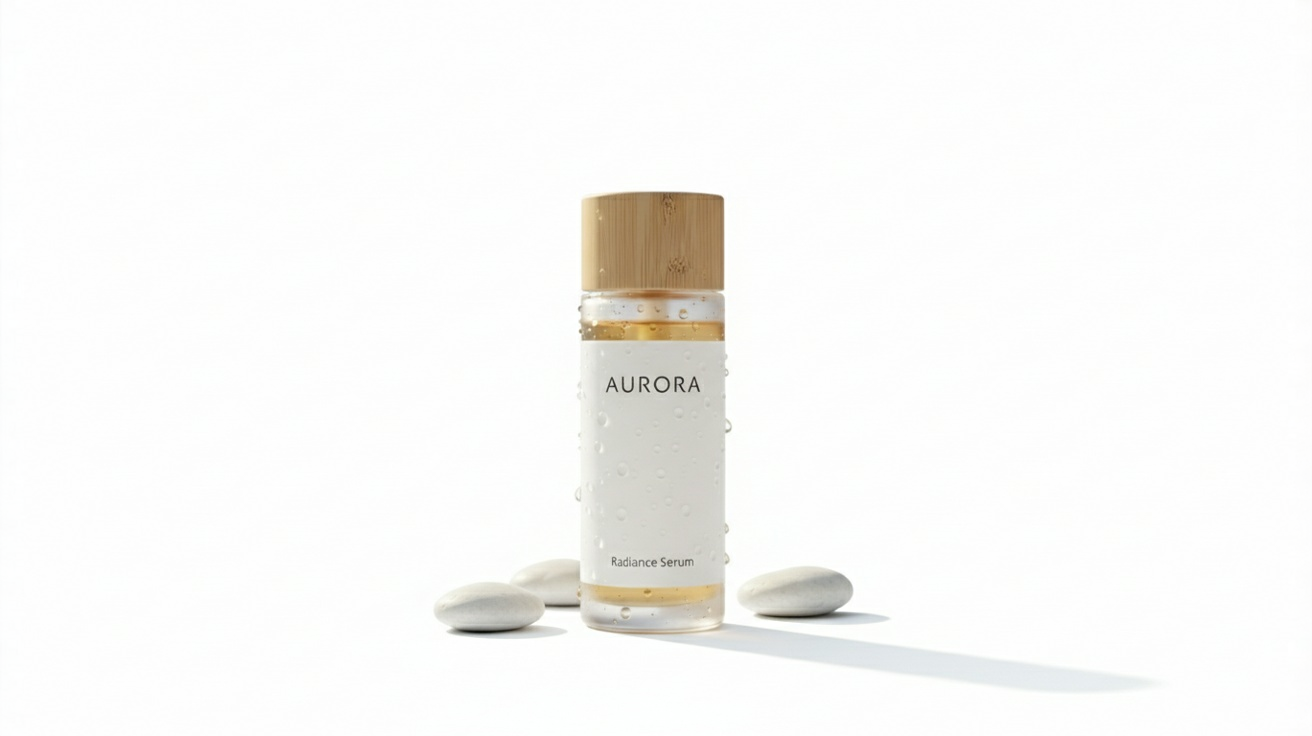
Instantly remove backgrounds to create stunning, professional product listings. Clean, distraction-free images build customer trust and can significantly increase your online sales.
Erase any background from your portraits to generate clean, professional headshots. Perfect for LinkedIn profiles, corporate websites, and resumes without the need for a photo studio.


Quickly cut out subjects from your photos to create engaging content for social media. Place your subject on any background to design unique posts, stories, and ads that capture attention.

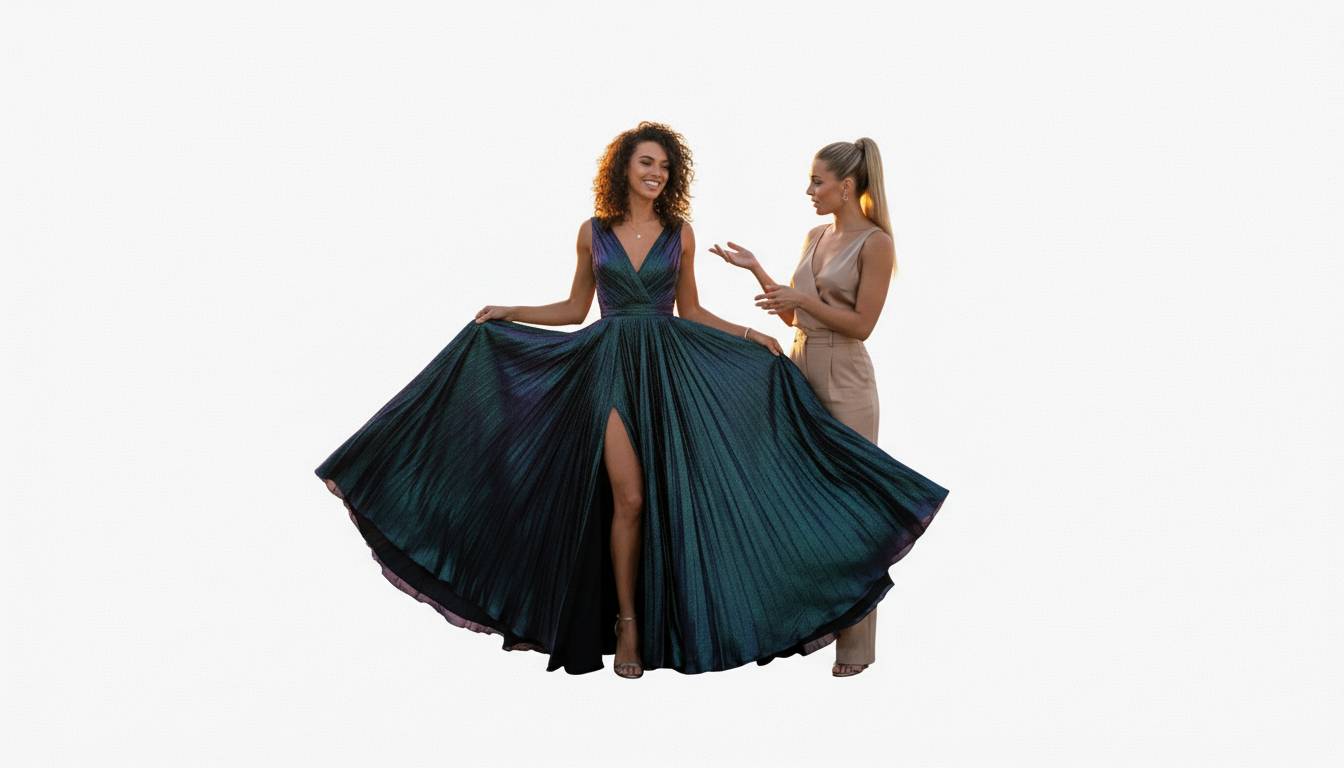
Speed up your creative process by instantly removing backgrounds. Our free tool lets you isolate objects and people in one click, so you can focus on creating amazing designs.


Photo AI Editor's specialized AI models are fine-tuned for perfect edge detection. They excel at preserving fine details like hair, fur, and transparent objects while completely removing backgrounds.
 Recraft Remove Background
Purpose-built transparent background removal
 Google Nano Banana Edit
Natural-language photo editing and consistency
 Seedream 4.0 Edit
Batch-consistent multi-image editing
 Qwen Image Edit
Detailed instruction-based image editing
 FLUX Kontext Pro
Consistent in-context generation and editing
FLUX Kontext MaxPremium typography and editing quality
Upload any image containing people, products, or objects. Photo AI Editor's background remover works with all common formats including JPEG, PNG, and WEBP at their original resolution.
Click or drag to upload an image
In seconds, your image is processed with the background completely removed. Download your transparent PNG ready for e-commerce listings, marketing materials, or creative projects.
 Photo AI EditorBG RemovalGoogle Nano BananaPhoto AI EditorBG RemovalGoogle Nano BananaPhoto AI EditorBG RemovalGoogle Nano BananaPhoto AI EditorBG RemovalGoogle Nano Banana
Photo AI Editor can remove backgrounds in under 10 seconds. Our optimized background remover processes images 50x faster than manual editing, letting you focus on creativity instead of tedious cutting work.
Photo AI Editor can generate high-resolution transparent PNGs ready for professional use. Our background eraser maintains image quality while delivering clean, crisp edges suitable for print, web, and commercial applications.
Photo AI Editor excels at complex edge detection, perfectly handling hair, fur, and other challenging textures. Get clean cutouts that rival professional photo editing services, free.
Whether it's people, products, animals, or vehicles, Photo AI Editor handles any subject. From e-commerce photos to portraits, get perfect results ready to publish every time.
Get professional-quality transparent PNGs with Photo AI Editor. Perfect for e-commerce, design projects, and social media content. Start removing backgrounds for free today—no Photoshop skills required.